
Turn Any Photo into a Clean Sticker PNG
Upload one photo, remove the background automatically, and download a clean digital sticker in seconds.
Best for chat stickers, social posts, planners, and simple digital downloads.
Create Your Custom Sticker
Upload Photo
Drag & drop your photo here
or click to browse (JPEG, PNG, WebP, GIF, AVIF - Max 50MB)
Your Sticker
Your generated sticker will appear here


What Photo to Sticker Does
Photo to Sticker helps you turn one image into a simple digital sticker with a transparent background. It is designed for fast personal and creator use, not for complex batch workflows or print production systems.
- Automatic Background RemovalUpload a photo and the tool cuts out the subject automatically, so you do not have to edit it by hand.
- Transparent PNG OutputYour result is prepared as a transparent PNG, which is easy to use in chats, social posts, documents, and digital planners.
- Fast Single-Image WorkflowThis tool is built for quick one-by-one sticker creation. Upload, generate, preview, and download without a complicated setup.
Why People Use It
The goal is simple: make it easy to create a clean digital sticker from a regular photo without opening a design app.
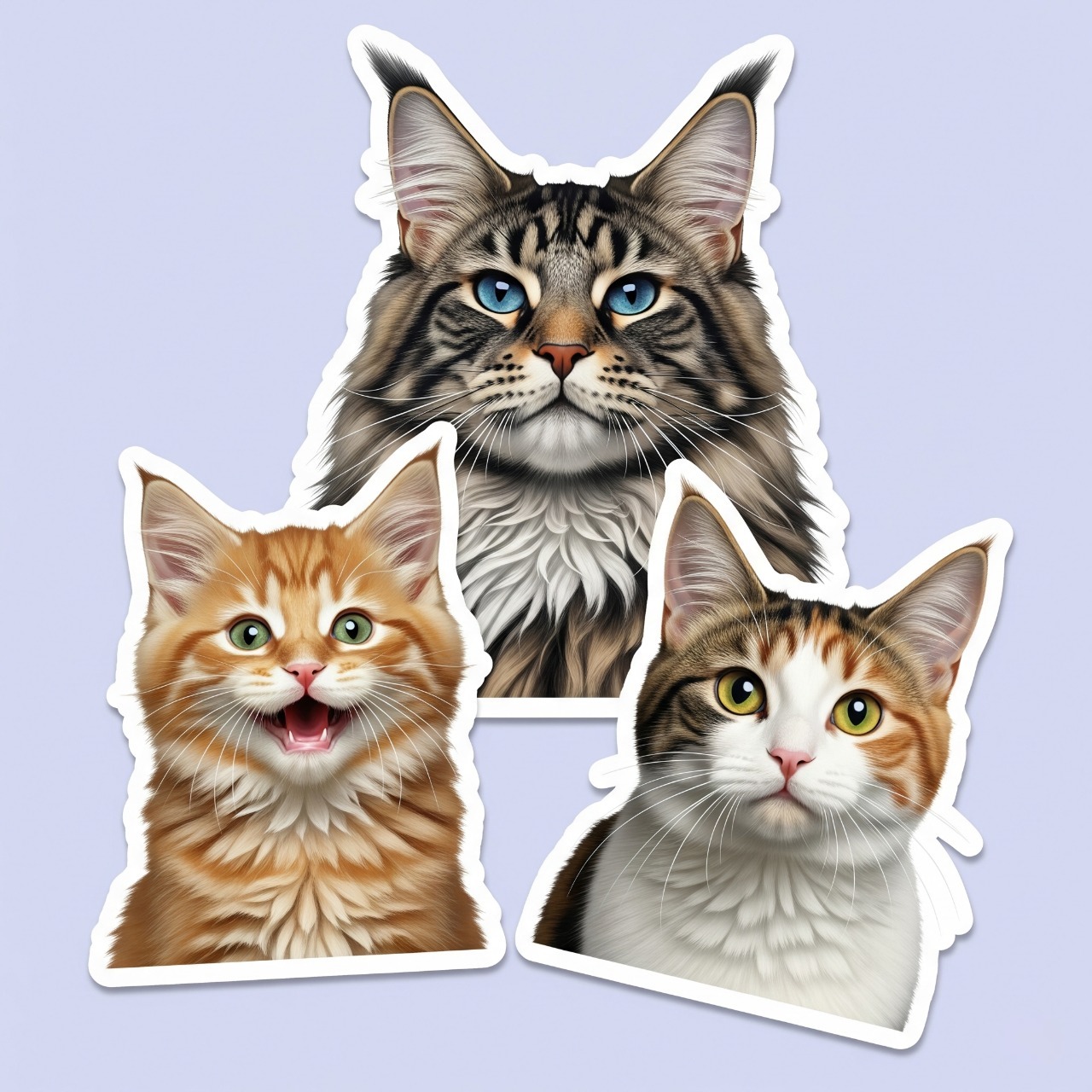
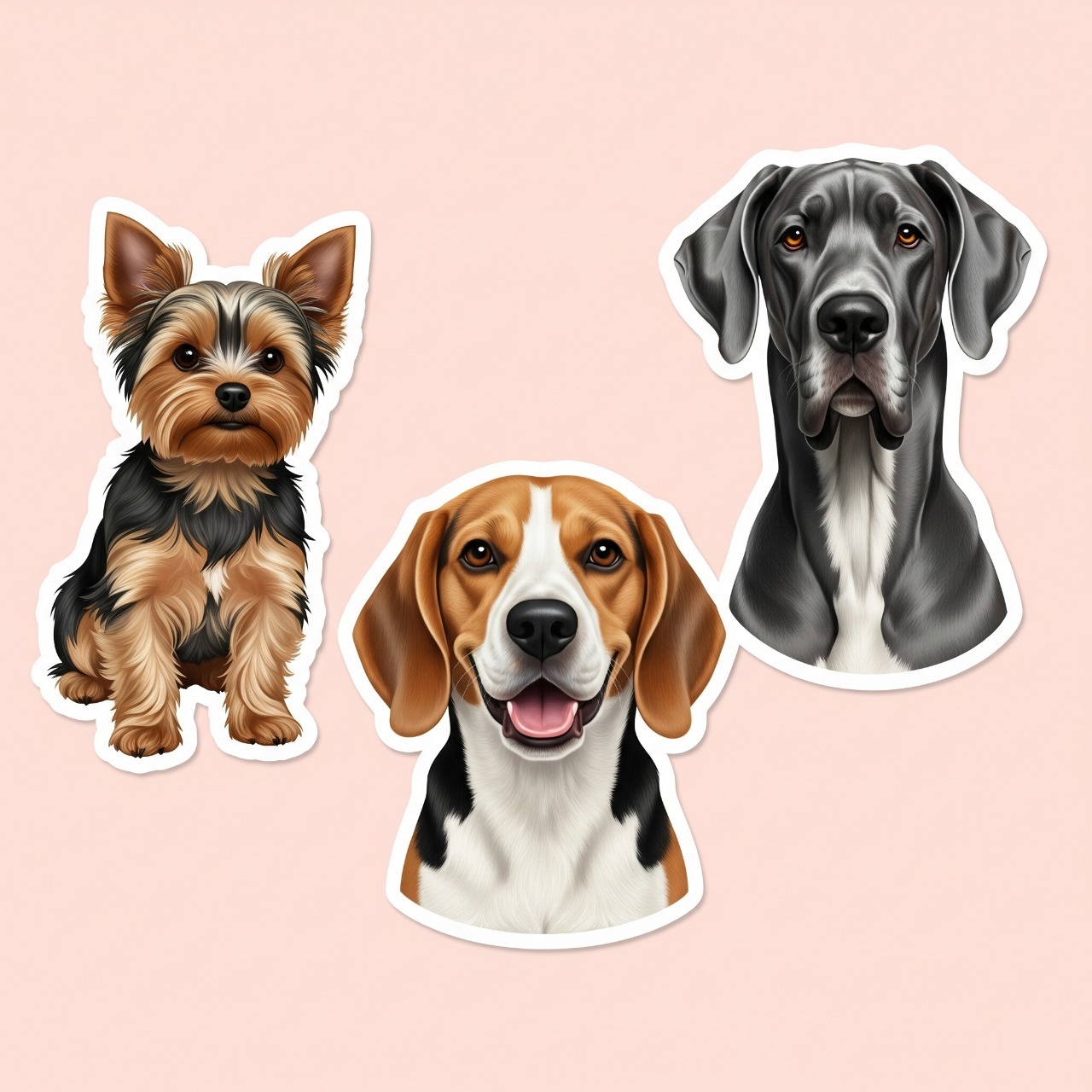
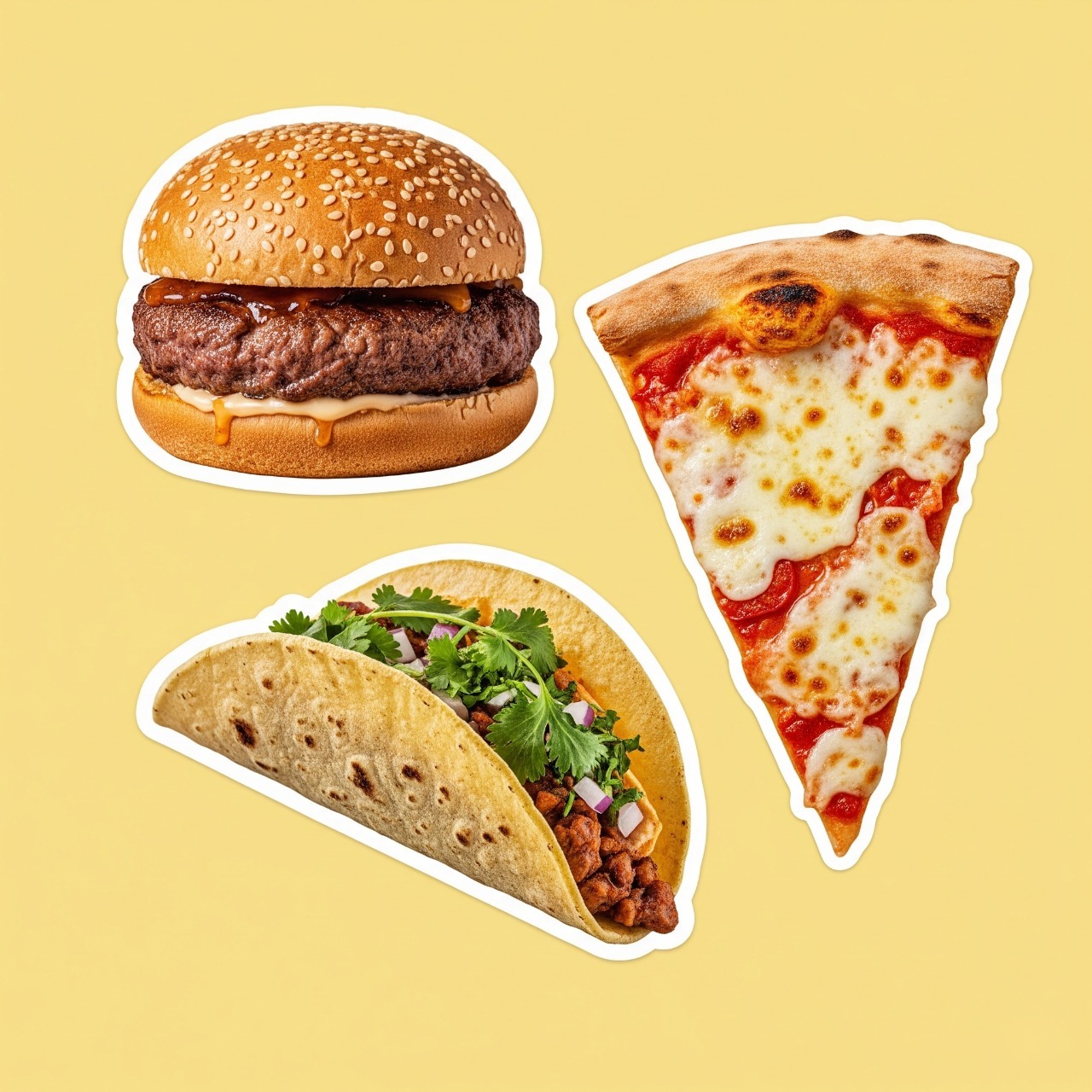
How It Works
The workflow is intentionally simple and focused on one image at a time.
What You Actually Get
This page should help you understand the current product clearly, not over-promise features that are not here yet.
Transparent Background
The result is prepared for transparent PNG download, which makes it easy to reuse in other tools and layouts.
Automatic White Border
The generated result includes a simple sticker-style white border to make the cutout feel more like a finished sticker.
One Credit per Pro Render
The fast preview is there to help you decide. Credits are spent only when you upgrade a result into the cleaner Pro PNG version.
Simple HD Upgrade Path
Free use is for judging the preview first. Paid packs unlock the Pro re-render and transparent PNG download when the result is worth keeping.
Built for Quick Results
This is not a heavy editor. It is meant for people who want a sticker PNG fast and do not want to wrestle with complex controls.
Focused Scope
Right now the product is optimized for simple digital sticker creation, not batch production, subscriptions, or enterprise workflows.
See the Difference on Real Uploads
These examples use ordinary portrait, pet, and drink photos instead of polished studio shots. Free helps you quickly judge the cutout. Pro aims for a cleaner, more sticker-like finish while keeping the subject recognizable.
Casual street portrait
A normal phone photo with outdoor background, natural light, and everyday detail.

What the user actually starts with before any cleanup.

Fast cutout for checking the subject and background removal.

Cleaner silhouette with a more polished sticker-style finish.
Indoor cat snapshot
A real-looking home photo with clutter, mixed lighting, and soft detail.

The kind of casual pet picture people usually send from their phone.

Quick background removal so you can judge the base cutout.

A more sticker-like pet result with stronger shape and surface cleanup.
Cafe iced coffee shot
A casual drink upload with warm indoor lighting and an everyday cafe background.

A normal phone photo of a single drink before any cleanup.

Useful for a quick check, but still closer to a clean cutout than a finished sticker.

A more polished drink sticker look with a cleaner silhouette and more complete edge finish.
Start Free, Pay Only for the Pro PNGs You Want to Keep
The free preview is there so you do not have to guess. Spend credits only when you want the cleaner Pro re-render and transparent PNG download.
Why people pay for Pro
The free preview is the cheap decision step. Pro is the cleaner sticker render you keep.
Our latest internal real-upload check had Pro win 6 out of 6 times, but individual images still vary with lighting, crop, and source quality.
Latest check
Pro won 6/6
Based on our recent internal test across real portrait, selfie, and object uploads.
Billing logic
Preview first
You can see the fast cutout before spending any credit on the paid render.
Current expectation
15-50s Pro wait
Paid renders are slower because they do more work than the free preview.
Trial Pack
Best First BuyBest first purchase if you want enough room to test multiple photos without a big commitment.
Includes
- 15 credits
- Free preview before you spend credits
- 1 credit per Pro re-render
- Transparent PNG download
- Typical Pro wait: 15-50s depending on image size
- Valid for 1 month
Roughly $0.33 per Pro render if you use the full pack.
Creator Pack
Better value if you expect to come back across multiple sessions or compare several versions.
Includes
- 45 credits
- Free preview before you spend credits
- 1 credit per Pro re-render
- Transparent PNG download
- Typical Pro wait: 15-50s depending on image size
- Valid for 3 months
Roughly $0.22 per Pro render if you use the full pack.
Frequently Asked Questions
These are the questions most likely to affect whether you try, wait, and pay.
What is the difference between Free Preview and Pro Sticker?
Free Preview is the fast cutout so you can judge the subject and background removal first. Pro spends 1 credit to re-render a cleaner, more sticker-like transparent PNG.
When are credits actually spent?
Only when you choose to upgrade a result into the Pro version. Uploading a photo and viewing the first fast preview do not spend credits.
How long does Pro usually take?
Free Preview is usually much faster. Pro currently takes about 15 to 50 seconds depending on image size and complexity, so it is normal for the paid render to take longer.
How many Pro results can each pack unlock?
Each Pro re-render costs 1 credit. That means the Trial Pack can unlock up to 15 Pro results and the Creator Pack up to 45.
Do I need a subscription?
No. The current packs are one-time purchases, not recurring subscriptions.
What kind of file do I get?
The final result is prepared as a transparent PNG so you can reuse it in chats, posts, docs, and other lightweight digital workflows.
Will Pro keep my subject recognizable?
That is the goal. Pro is meant to look more sticker-like while still keeping the main person, pet, or object recognizable, but lighting, crop, and upload quality still affect the result.
Is this made for print production?
Not yet. The current product is best understood as a digital sticker tool, not a full print-production workflow.
Use the Free Preview to Decide, Not Guess
Try the fast preview first. If the image looks promising, unlock the cleaner Pro PNG only for the results worth keeping.